Is FLUX AI free?
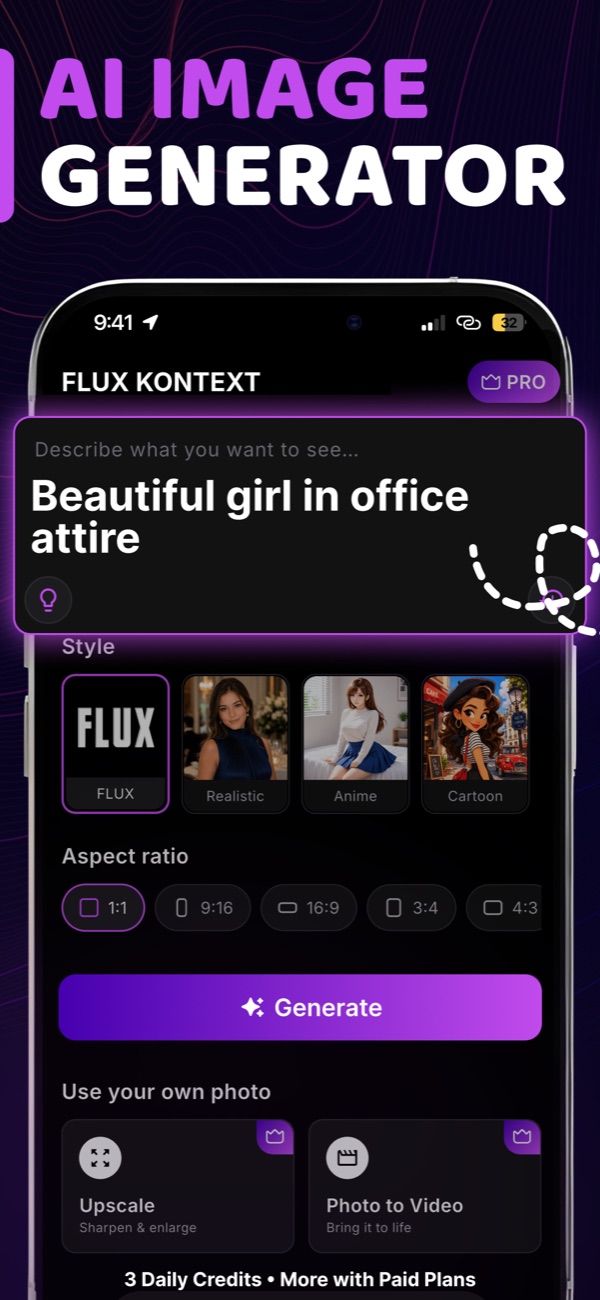
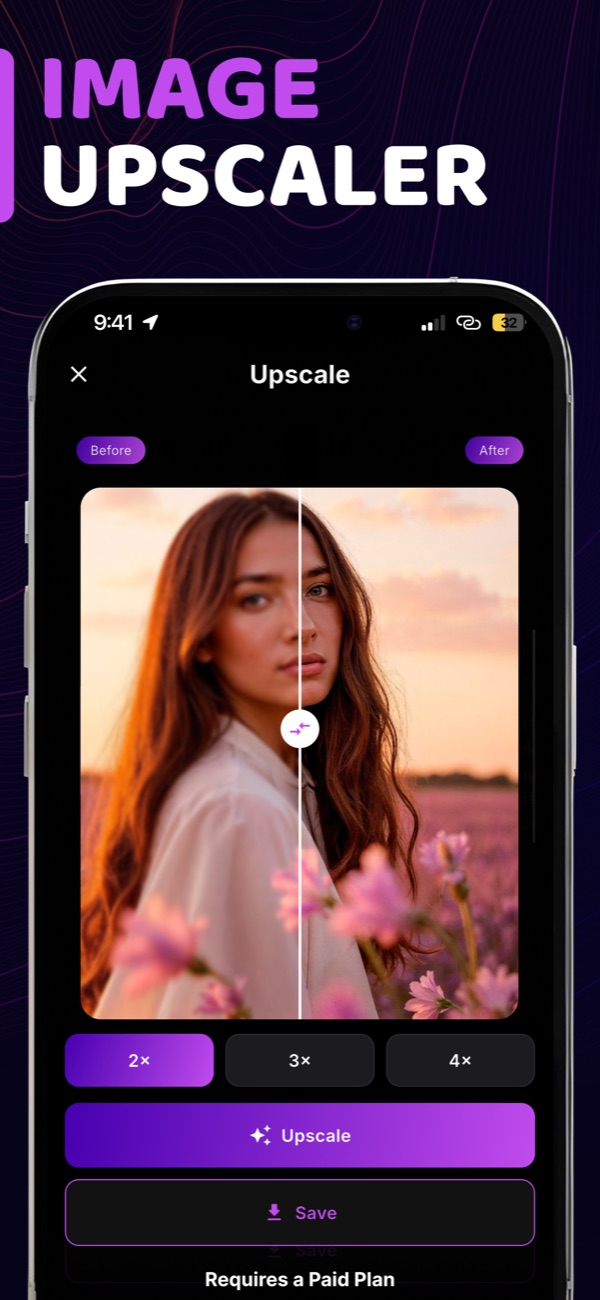
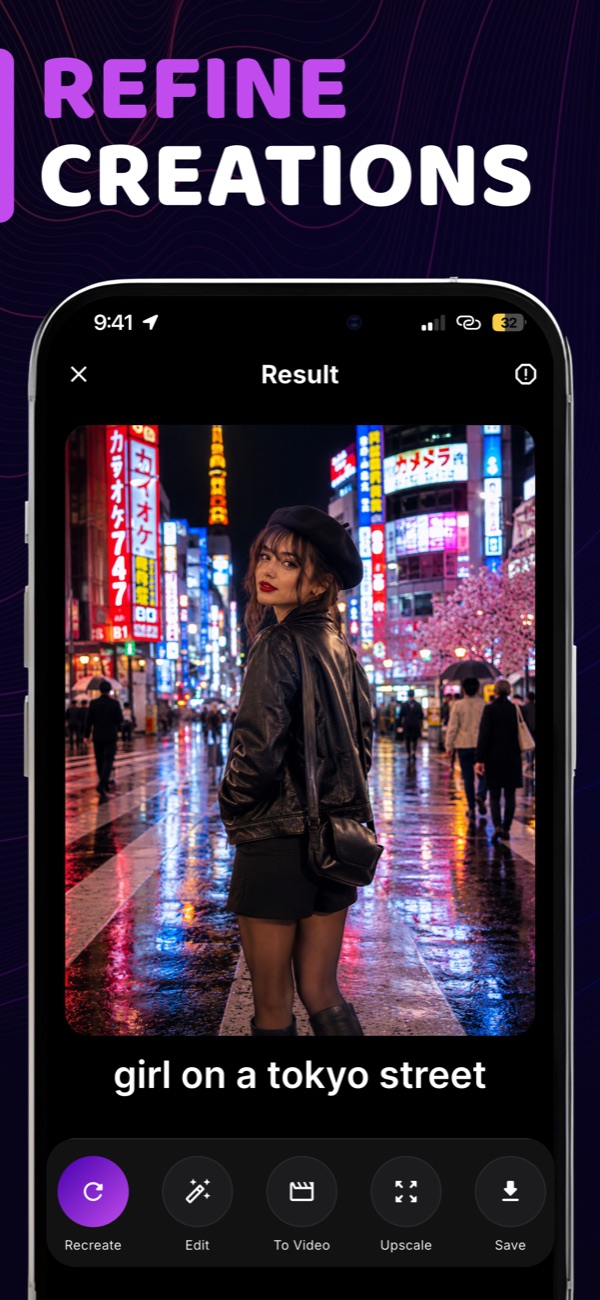
Yes. New users get a one-time grant of 3 free credits on first launch. Each image generation, edit or upscale uses 1 credit. For more credits and video creation, you can subscribe to FLUX AI PRO or buy a credit pack.
How do credits work?
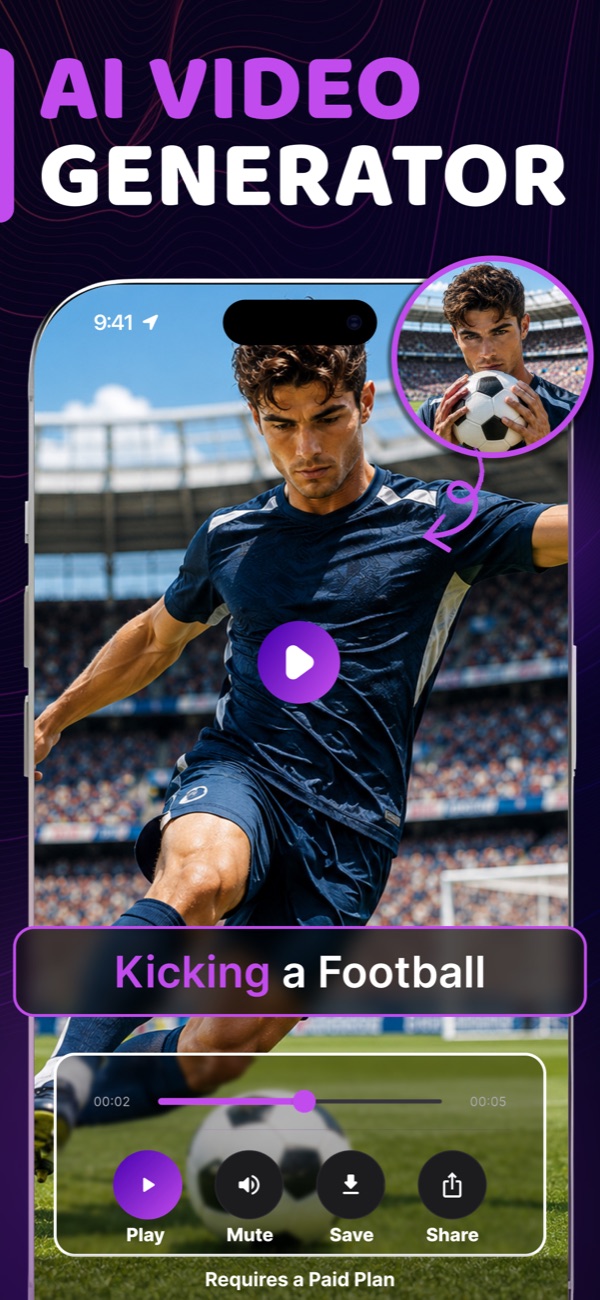
Images, edits and upscales cost 1 credit each. Photo-to-video costs 20 credits for every 5 seconds of video. Subscription credits reset at each renewal and do not roll over. Credit packs never expire and stack on top of any active subscription. Pack credits can only be spent while your Pro access is active, and subscription credits are used first.
Do I need to create an account?
No. FLUX AI works without sign-up, email or login. Your credits and purchases are linked to your device and your Google Play account.
What happens to the photos I upload?
Photos and prompts are sent securely to our AI processing partners only to create your result. They are not used to train AI models and are deleted from our processing servers after about one hour. Your history stays on your device. See our Privacy Policy for details.
Where are my creations saved?
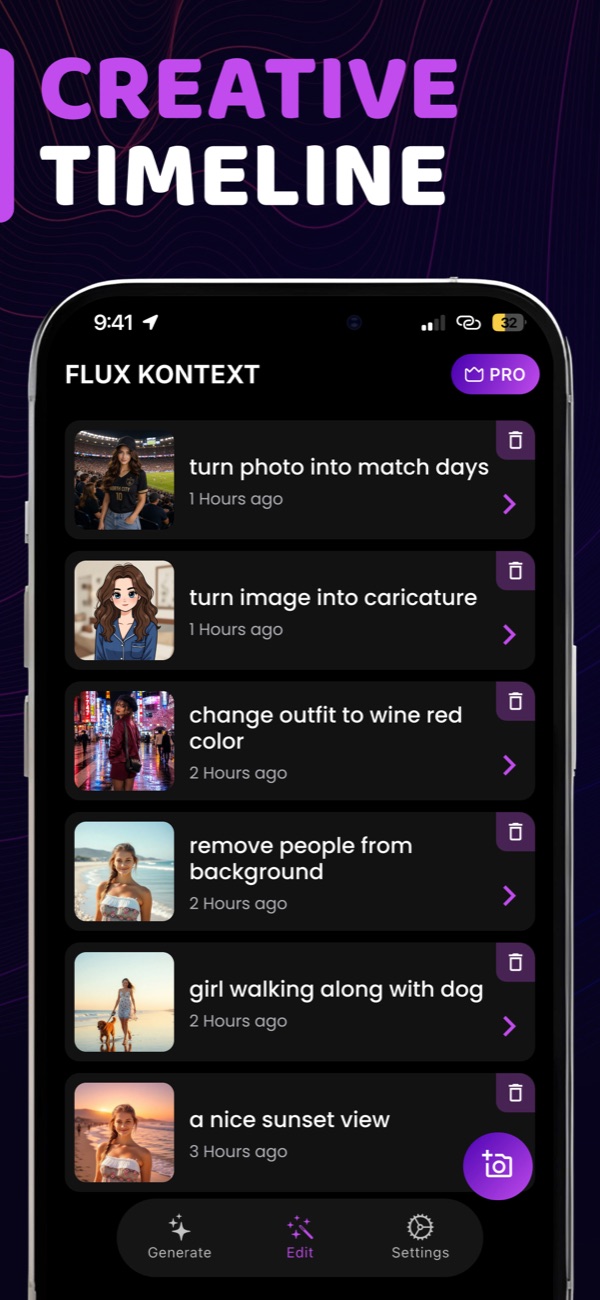
Your creations are stored in the History tab on your device. Tap Save to keep a copy in your phone's gallery. If you uninstall the app, your in-app history is removed.
Why was my prompt not allowed?
To keep FLUX AI safe for everyone, prompts with adult or offensive content are blocked. Try rephrasing your description.
How do I cancel my subscription?
Subscriptions are managed by Google Play. Open the Google Play Store, tap your profile icon, go to Payments & subscriptions → Subscriptions, select FLUX AI and tap Cancel. Cancel at least 24 hours before the renewal date to avoid being charged for the next period.
I reinstalled the app. How do I get my purchase back?
Just open the app signed in to the same Google account you purchased with — your purchase is restored automatically.
Which languages are supported?
The app is available in English, German, Spanish, Japanese and Portuguese. You can write prompts in your own language too.
 AI Image Generator